CC PAL ~ MIDI Control Change iOS app
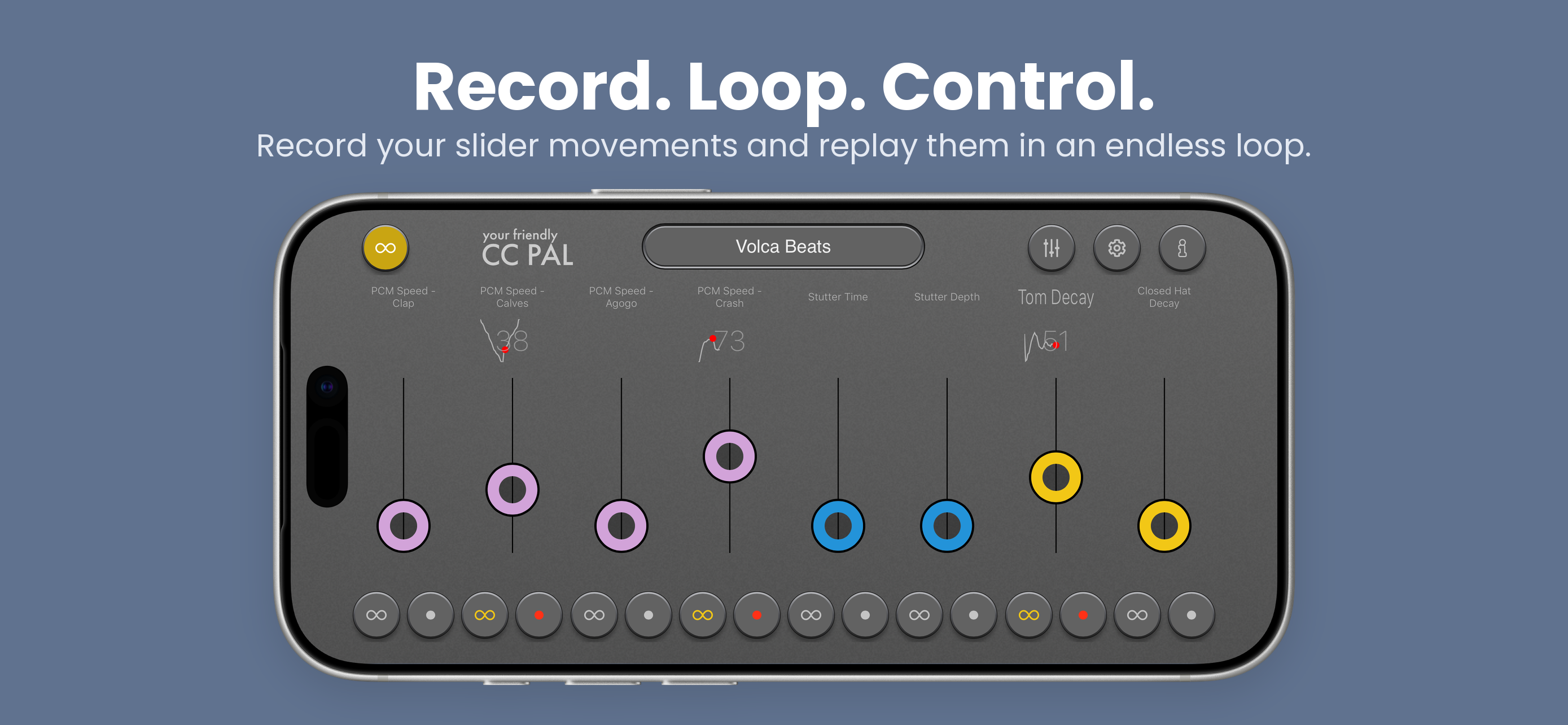
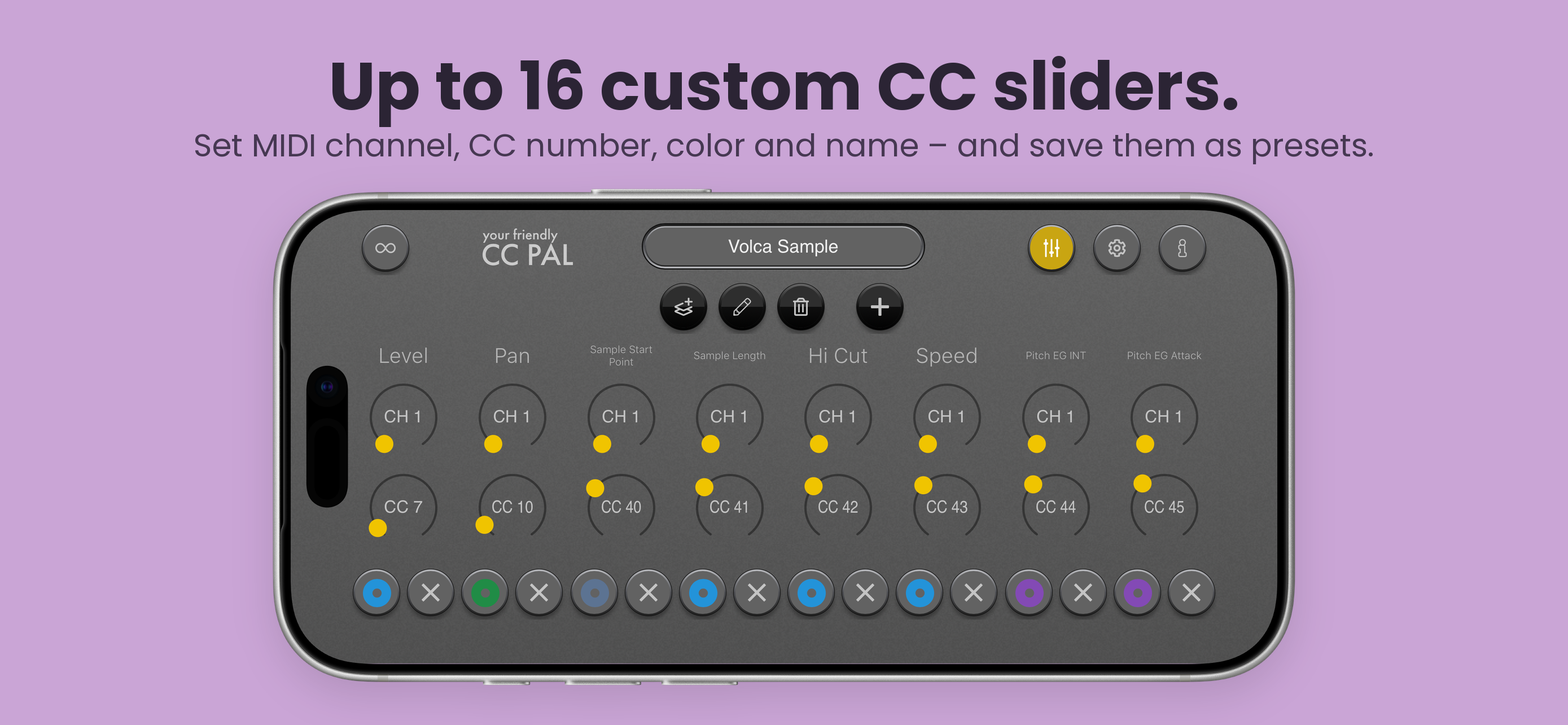
Each slider can be customized with a MIDI channel, CC number, color and name. You can create unlimited numbers of configurations. CC PAL comes with a couple of predefined configurations for some hardware devices like the KORG Volca FM, KORG Volca Beats, KORG minilogue XD, DSI Prophet Rev2.
NEW IN VERSION 1.3.0
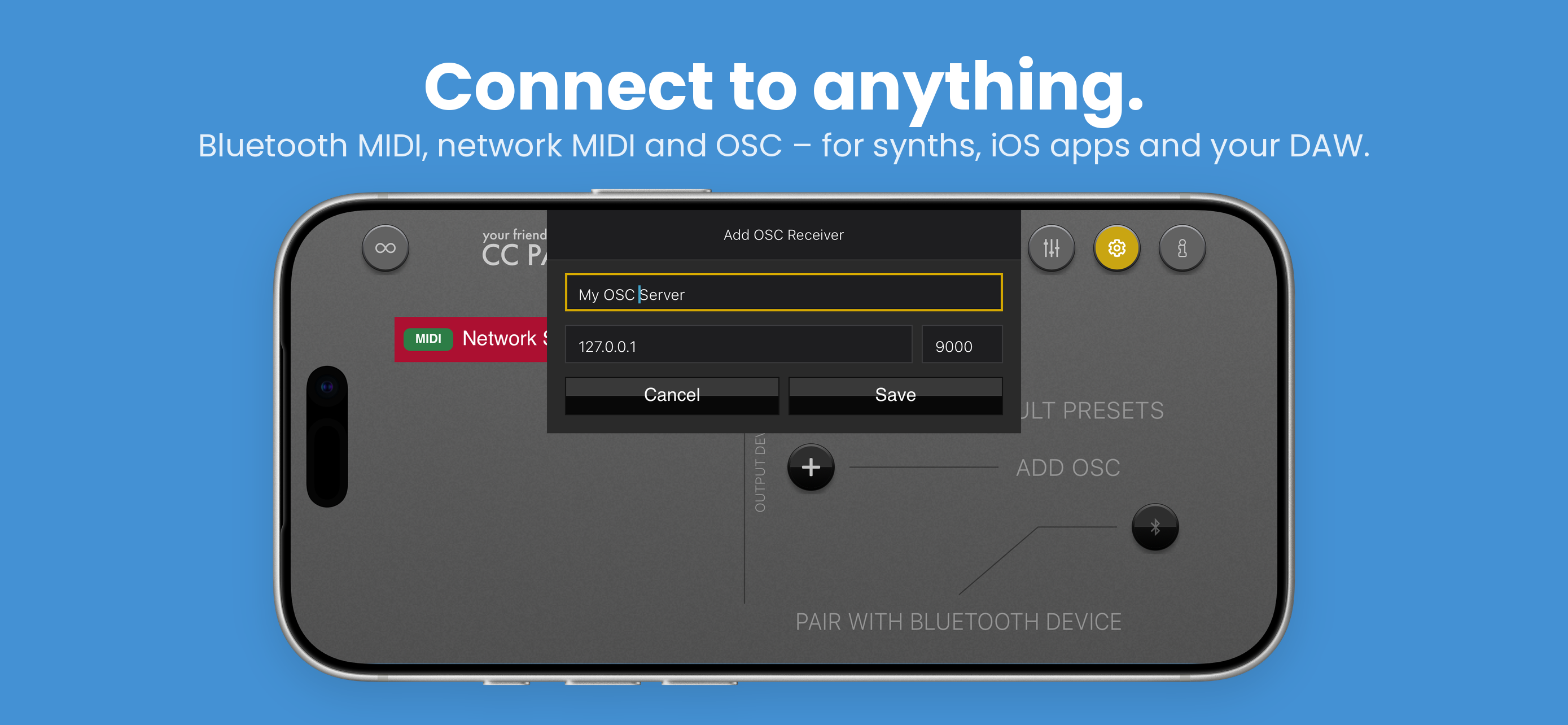
OSC support – send OSC messages to receivers on your local network
Updated device support
Bug fixes
FEATURES
Create up to 16 customizable CC sliders
Store your sliders in configurations/presets/programs – you name it
Set the MIDI channel and the CC number per slider
A little chart shows your recorded movements so you can easily see what kinds of movements are stored in a slider
Send MIDI via Bluetooth or USB, or send OSC messages to receivers on your local network
WHAT CAN I DO AND WHAT NOT
You can send CC messages in a smart way to a MIDI devices
For example you can control the resonance of a KORG Volca device with a unique recorded movement
You can control a MIDI able iOS app like a software synthesizer
You cannot generate sound directly from this app. It just generates MIDI (and OSC) messages
Connect via Bluetooth MIDI to your DAW (e.g. Ableton) and map the sliders to specific parameters in devices
Screenshots